MCP server
Your AI assistant, now with a studio.
Connect Creator to ChatGPT, Claude or any MCP client and ask for a Reel, a carousel or a post. It's made in your Creator workspace, in your brand, ready to edit, export or schedule.
Server URL
https://creator.wandcase.com/mcpStreamable HTTP with OAuth sign-in. No API key, nothing to install.
50 free credits to start. Plans from $9 a month.





Watch
From one message to a finished Reel.
Watch an assistant build a Reel in Creator from the brand kit, then open it in the editor.
Plays from YouTube. Open on YouTube
How it works
Connect, ask, approve.
- 1
Connect
Add Creator to your assistant with one URL, or from ChatGPT's apps. Sign in once and pick the workspace it works in.
- 2
Ask
Describe the Reel, carousel or post in your own words. It's built in Creator with your brand kit, and checked before you see it.
- 3
Approve
Open it in the editor to change anything, export it, or schedule it. Nothing is posted until you approve it.
Connect
Add it where you already work.
The first time your assistant uses Creator, you sign in with your Creator account and pick the workspace it works in.
Claude
- 1In Claude, open Settings → Connectors.
- 2Choose Add custom connector and paste the server URL.
- 3Sign in to Creator the first time Claude uses it.
https://creator.wandcase.com/mcpClaude Code
- 1Add the server from your terminal.
- 2Run /mcp in Claude Code to sign in.
claude mcp add --transport http wandcase-creator https://creator.wandcase.com/mcpAny MCP client
- 1Add a remote server with the URL below, in your client's settings or MCP config.
- 2Sign in when the client asks: no API key.
{
  "mcpServers": {
    "wandcase-creator": {
      "url": "https://creator.wandcase.com/mcp"
    }
  }
}
What it does
A real studio, not a chat reply.
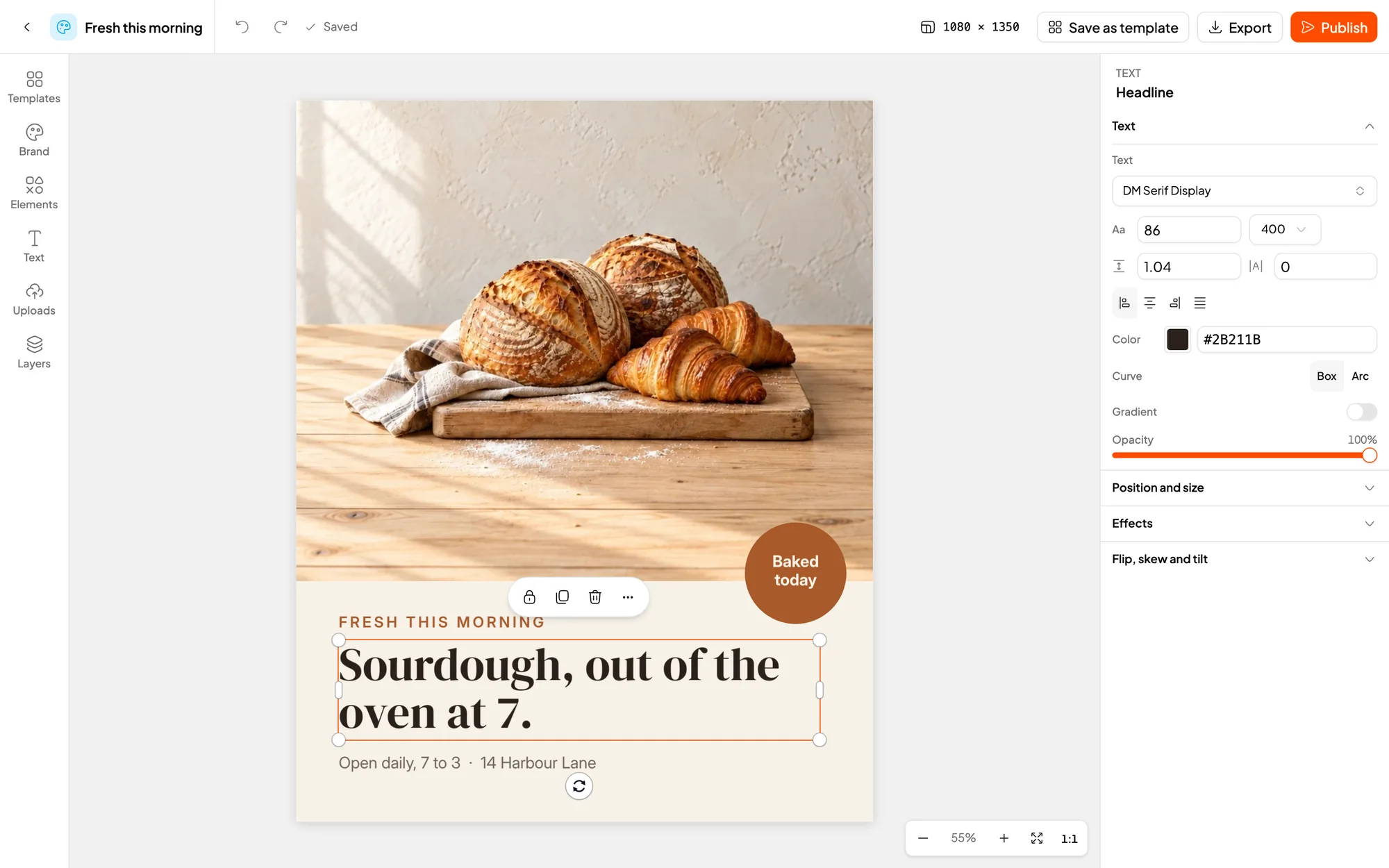
Your assistant works in the same Creator you do. Everything it makes is a normal project: open it in the editor and change anything by hand.
Designs in your brand
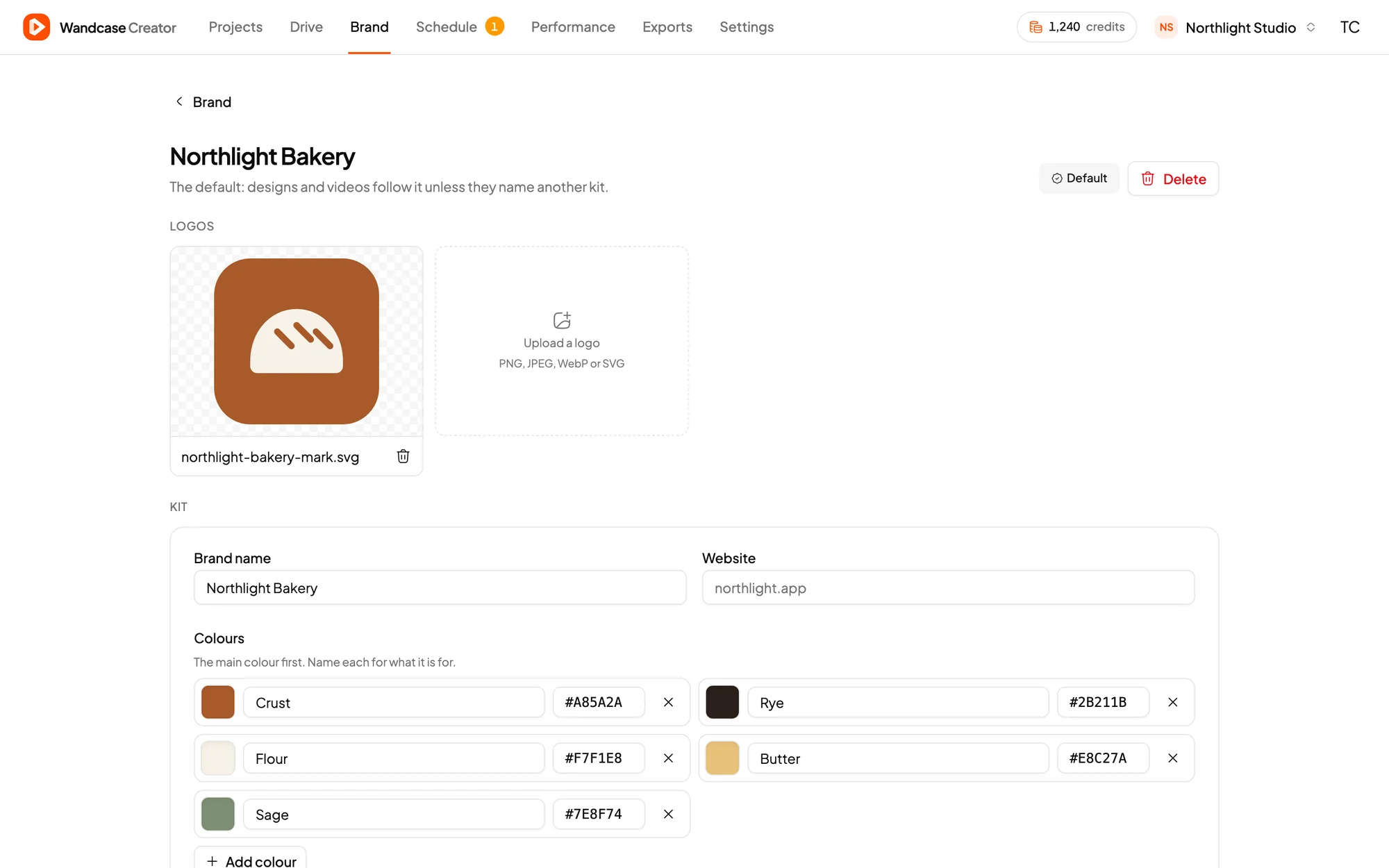
Posts, Stories and carousels in your kit's logos, colours, fonts and voice.
Short videos
Vertical Reels and clips with scenes, transitions, motion and music.
Subtitles
Captions written and timed from the audio, in the style you pick.
Brand kits
Set one up from your website, or keep using the one you have.
Templates and imports
Start from your workspace's templates; bring in images, footage and audio from a link.
Exports and post drafts
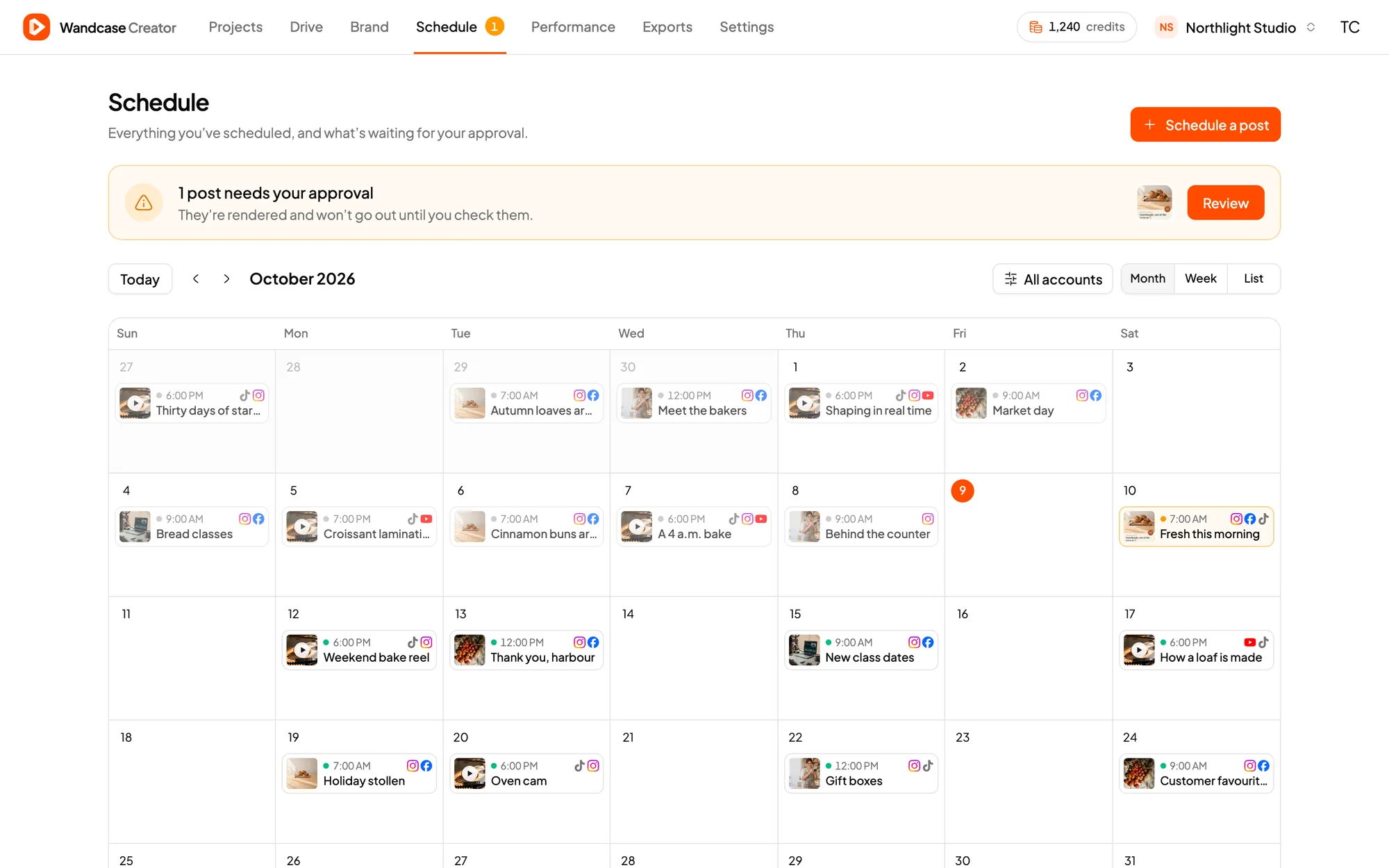
Export every size your feeds need, and draft posts for Instagram and Facebook that wait for your approval.
Try asking
Say it the way you'd brief a designer.
 “Make a 10-second vertical Reel announcing our autumn menu, three scenes, in our brand.”
- “Turn this product photo into an Instagram carousel with five tips.”
- “Cut my clip into a 30-second Reel with subtitles in the bold style.”
- “Set up our brand kit from our website, then make a launch post.”
- “Resize last week's Reel for a Story and a 16:9 video.”
- “Draft next week's posts and leave them waiting for my approval.”
FAQ
Questions, answered.
How much does it cost?
Every new workspace starts with 50 free credits, enough for about 50 image exports or 5 video minutes. After that, Starter is $9 a month for 300 credits and Studio is $24 a month for 1,000 credits. Editing, previews and planning don't use credits; exports and automatic subtitles do.
Do I need an API key?
No. You sign in with your Creator account (Google or email) the first time your assistant connects. Nothing to install and no key to copy.
What can my assistant reach?
One workspace per connection, the one you pick when you sign in, and never more permission than you have there. You can limit or end a connection in Creator under Settings → Agents.
Will it post anything without me?
No. Your assistant can draft a post, but it waits in Creator until you check the media, caption and account and approve it. Today Creator schedules to Instagram and Facebook.
Which clients work?
ChatGPT and Claude, and any MCP client that connects to remote servers over Streamable HTTP and signs in with OAuth. They all use the same server URL.
Can I keep editing by hand?
Always. Everything your assistant makes is a normal Creator project, with the full design and video editor.
Prices in USD. See what uses credits.